Playback Scheduling : Play videos based on daily schedule.
Remotely Managed : Manage kiosk videos from GoVideo web portal.
Update Remotely : Upload video/file in devices and update it from anywhere.
Password Protected Access Management : GoVideo lets you access devices for kiosk videos and only the Administrator can exit the GoVideo player.
Starts Right After Boot-up : Kiosk videos, audio or images start in a loop just after the Android device has been booted-up.
Full Screen Mode : GoVideo displays contents in Full-Screen mode and secure mode for interactive kiosks. With help of Accessibility Permission, play your video without disturbance of notifications.
Media Control : Hides video control buttons.
Plays Videos From SD Card : It automatically detects the kiosk video from the SD Card and starts playing them.
Video Supported Formats : GoVideo lets your android devices play all common video files.
Screen saver : When the device is idle, GoVideo will start screen saver.
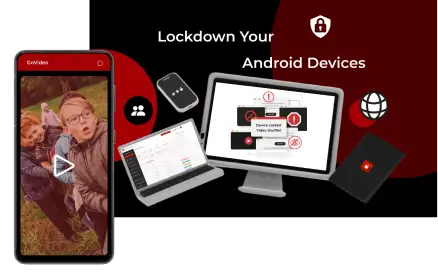
Advanced Kiosk Lockdown : It puts android devices into highly secure kiosk mode.

![Intricare [Logo]](https://webimg.intricare.net/wp-content/uploads/2022/10/10123727/Intricare-Logo.png)